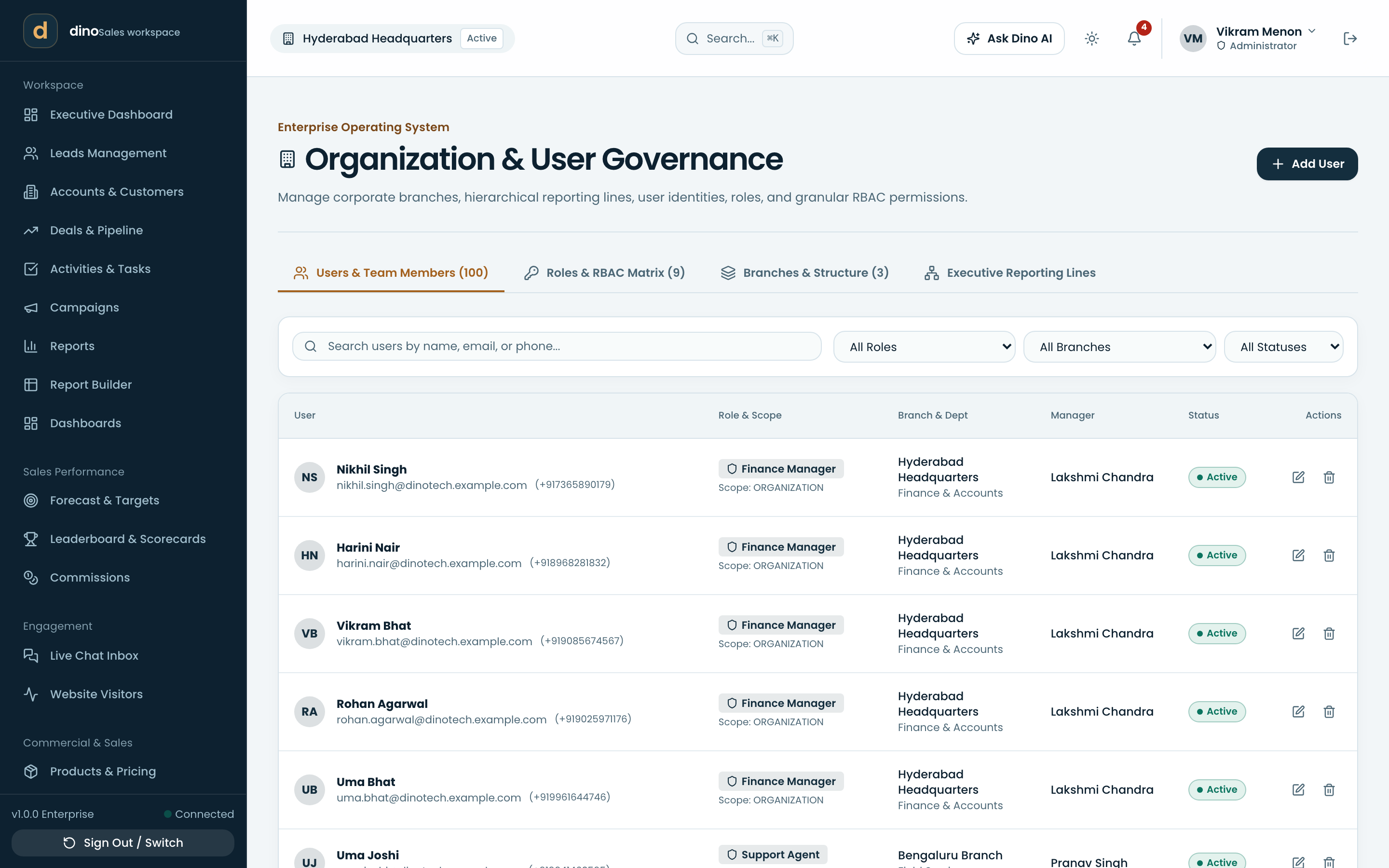
Every module.
Every next step.
The whole customer lifecycle in one workspace — here is each part of it, on screen, exactly as your team will use it.
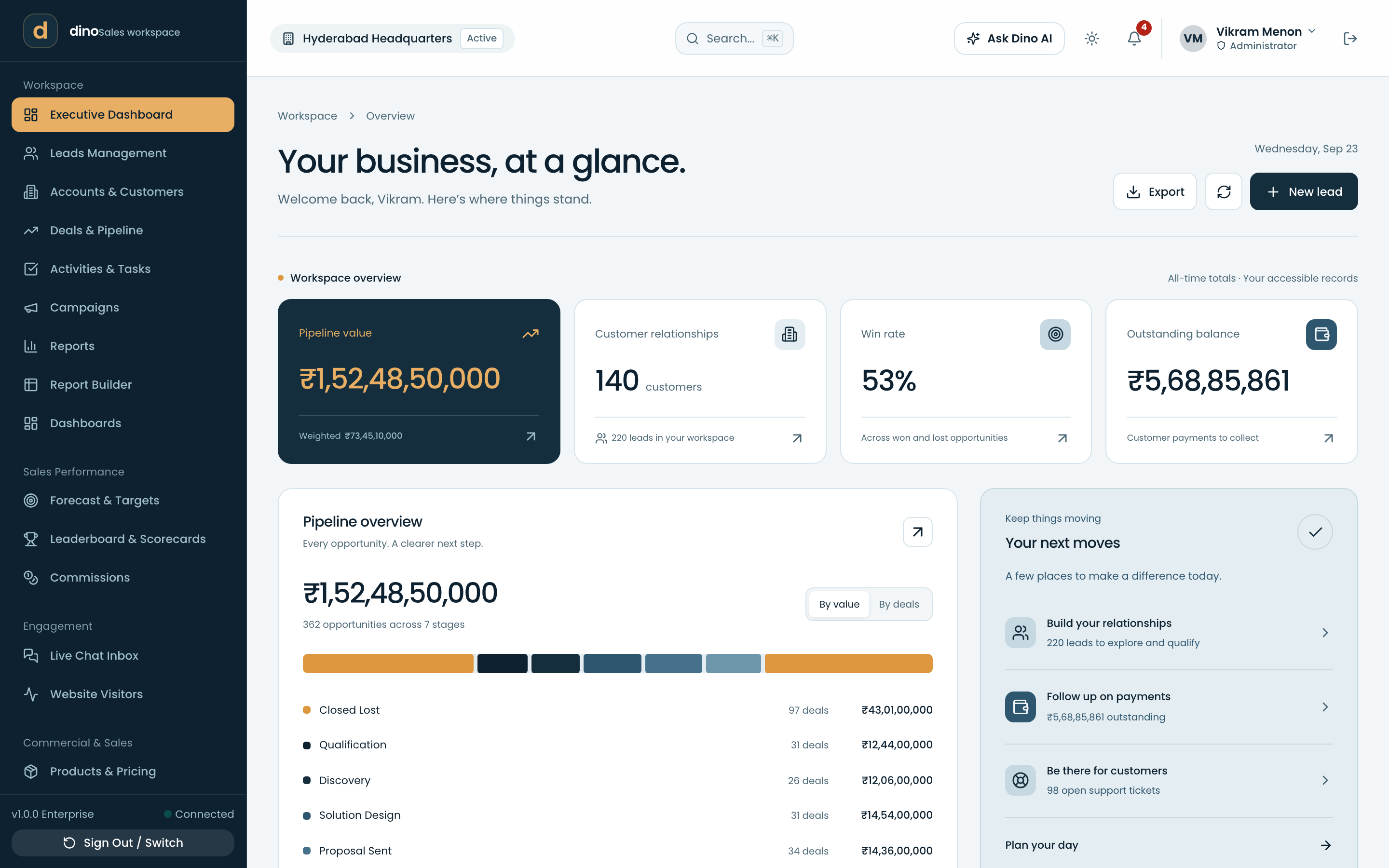
Your business, at a glance.
Open the workspace and the numbers that decide your day are already there — no report to run first.
- Executive dashboardPipeline value, customer count, win rate and receivables, each one click from the records behind it.
- Your next movesA short daily list of what needs attention: leads to qualify, payments to chase, tickets waiting.
- Branch & territory switchScope the whole workspace to one location or see the organization end to end.
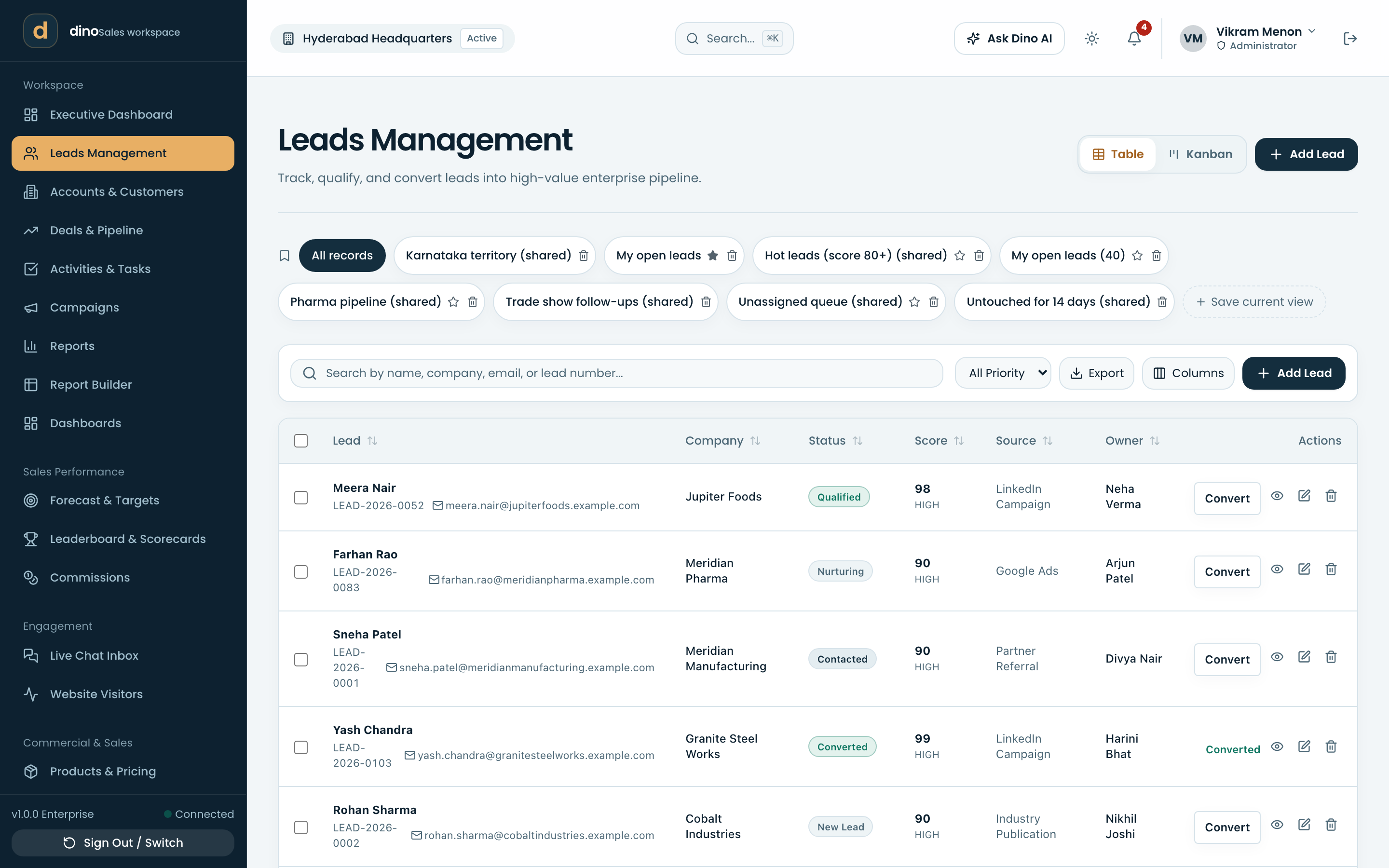
Every lead, from every source.
Forms, campaigns, chat and your website feed one queue, scored and assigned before anyone has to ask who owns it.
- Leads managementCapture, qualify, score and convert, with the full activity trail on each lead.
- CampaignsTrack the campaigns leads arrive from and what they turn into.
- Website visitorsSee which companies browse your site and turn a known visitor into a lead.
- Live chat inboxAnswer the chat widget from inside the CRM, with the conversation kept on the record.
- Saved viewsShared, named filters — territory queues, hot leads, untouched for 14 days.
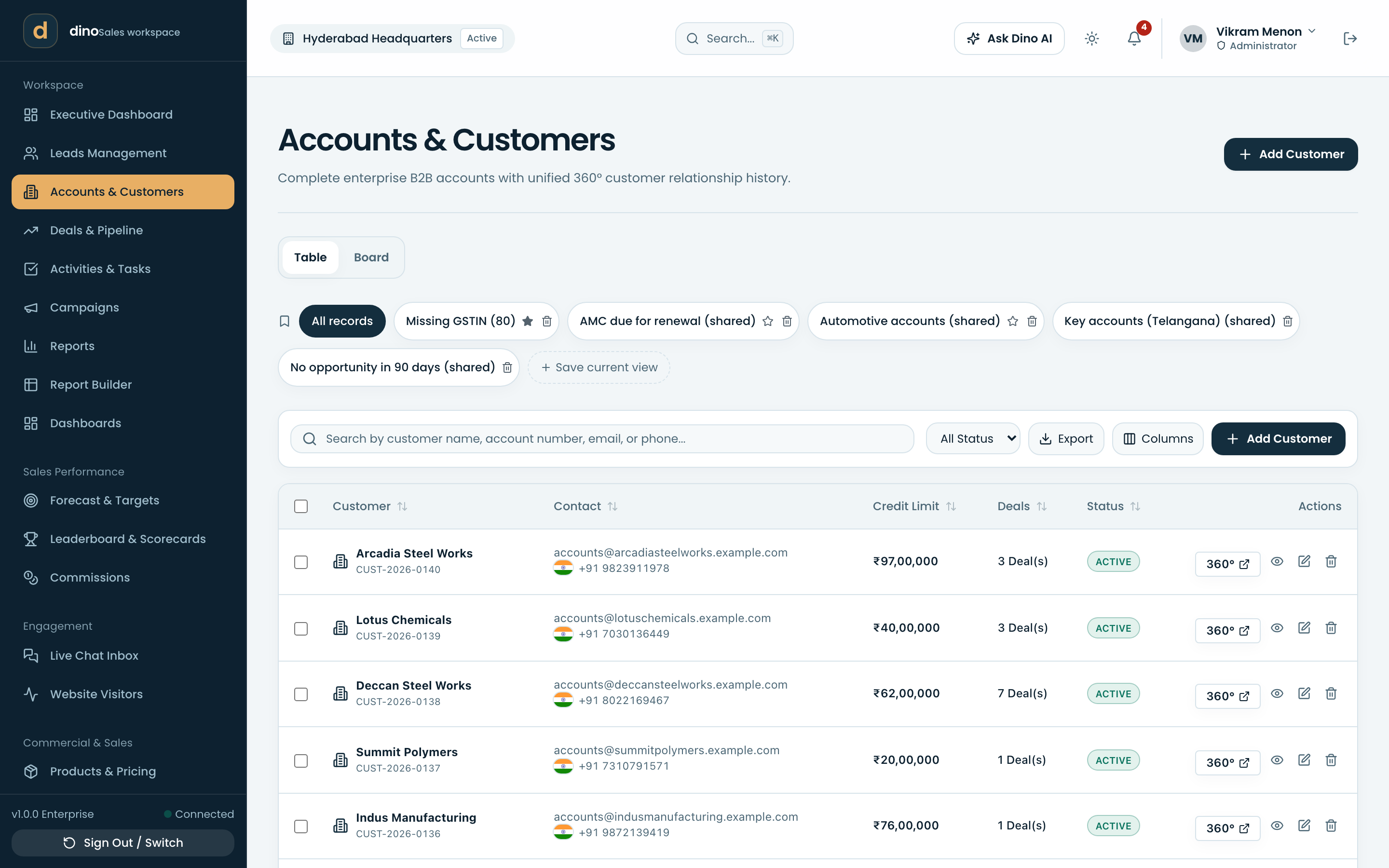
The whole customer, on one page.
Accounts carry their hierarchy, contacts, deals, documents, invoices and support history together.
- Accounts & customersCompany records with account numbers, hierarchy and parent-subsidiary structure.
- 360° customer viewDeals, quotations, invoices, tickets, assets and renewals on a single timeline.
- Contacts & consentContact records with per-channel marketing consent captured and auditable.
- DocumentsFiles and generated documents kept against the customer they belong to.
A board that matches how you sell.
Stages, probabilities and rotting rules you configure, on a board or a table — whichever your team reads faster.
- Deals & pipelineDrag deals through your own stages, with weighted value and win rate per stage.
- Rotting dealsDeals with no activity get flagged before the quarter ends, per stage.
- Assignment & scoring rulesRoute new records to the right owner and score them on your criteria.
- Competitors & playbooksRecord who you are up against and the plays that beat them.
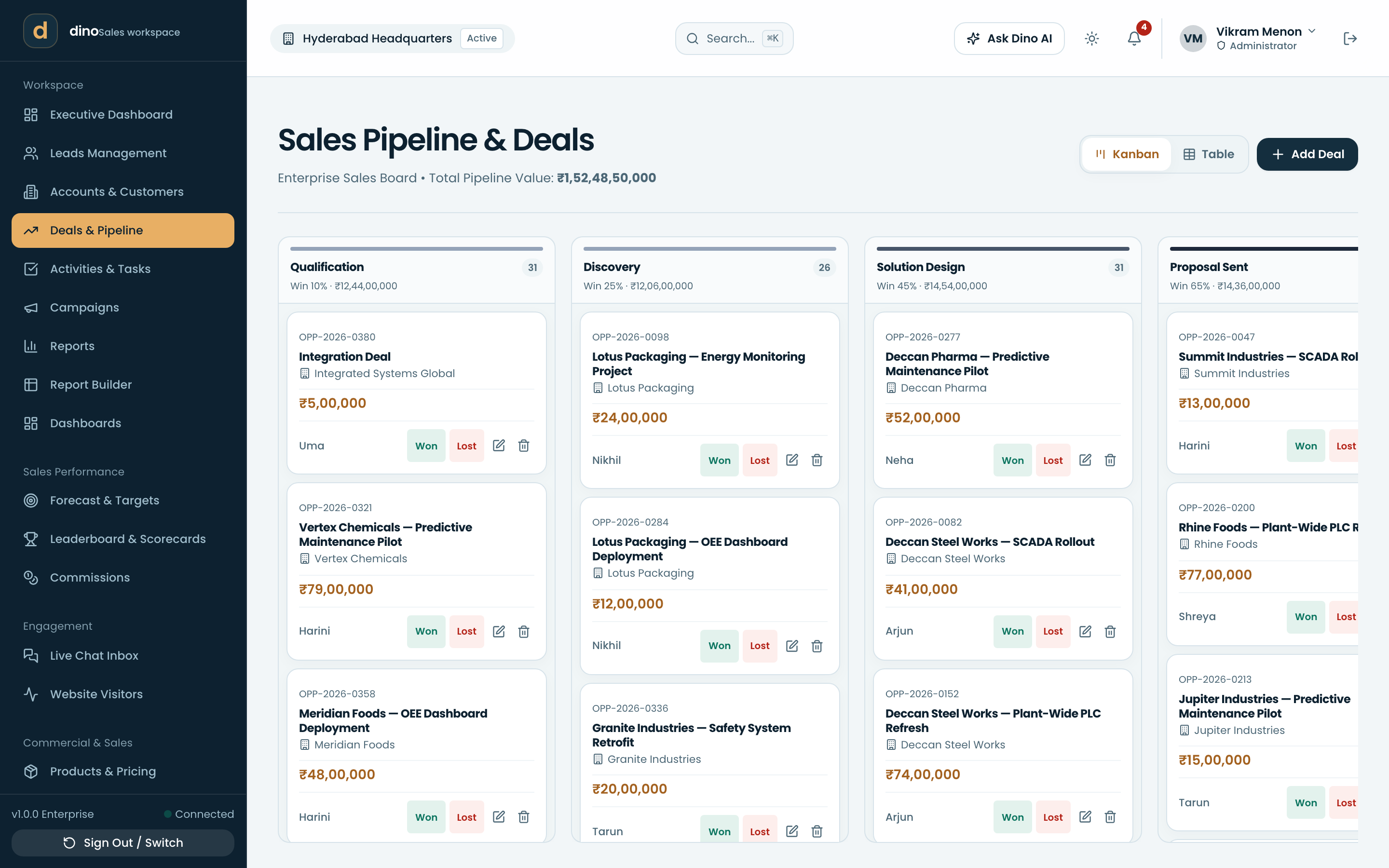
The next step never lives in someone's head.
Calls, meetings, tasks and email sit on the record, so the next person to open it knows exactly where things stand.
- Activities & tasksCalls, meetings, notes and to-dos linked to the lead, deal or customer.
- Calendar, mailbox & bookingConnect Google or Microsoft, and share a booking link that writes back to the CRM.
- Email templatesReusable templates with merge fields for the mail your team sends daily.
- Email sequencesMulti-step outreach with per-mailbox sending caps that protect your domain.
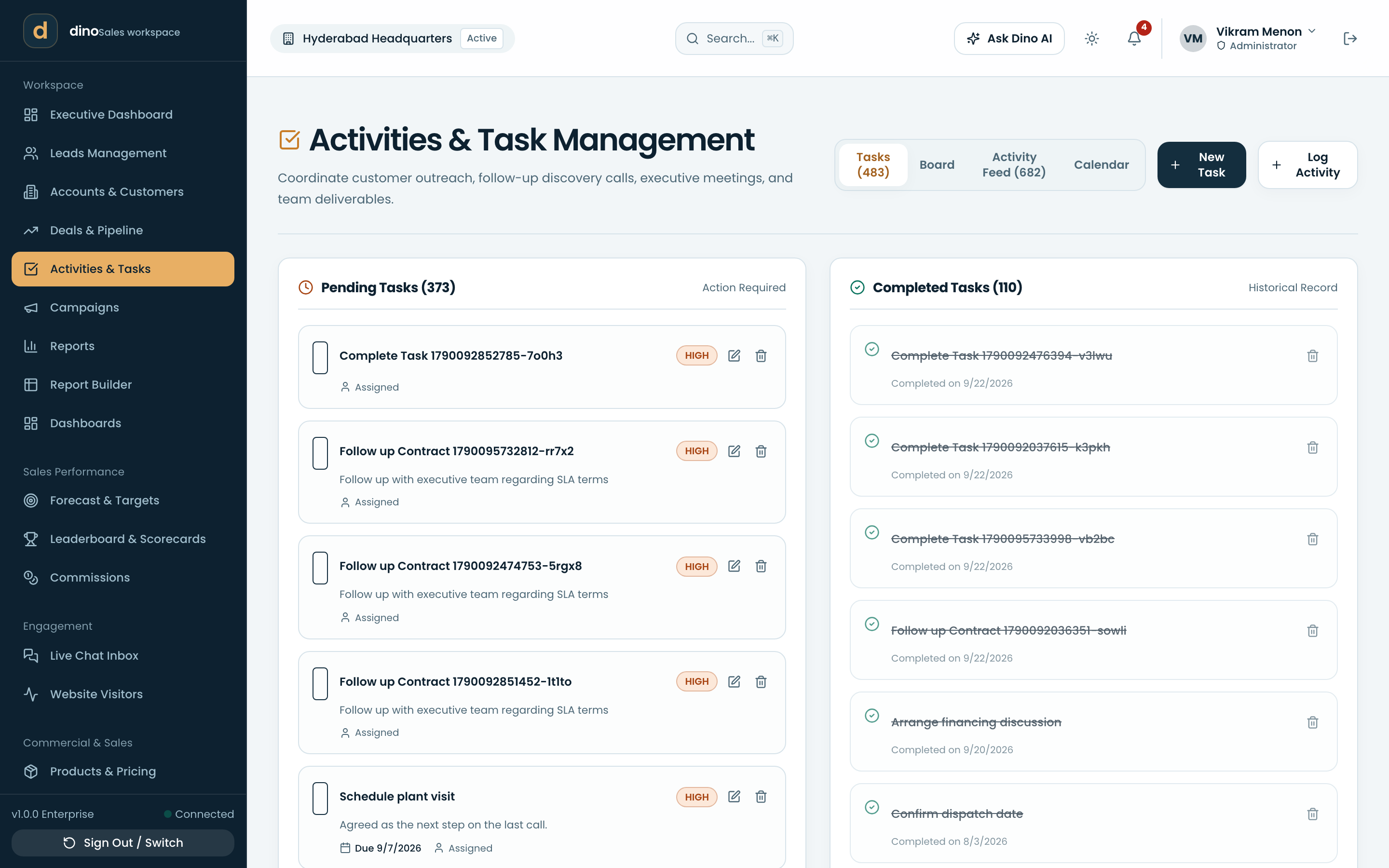
Proposal to purchase order.
Price books, quotations, approvals and orders in one path, so nothing is retyped into a spreadsheet on the way.
- Products & pricingCatalogue with pricing, tax treatment and the units you actually sell in.
- Quotations & approvalsBuild a quote, send it for approval, and keep every version.
- Sales ordersConvert an accepted quote to an order and follow it to fulfilment.
- Document templatesYour own layout for the quote and order PDFs that leave the building.
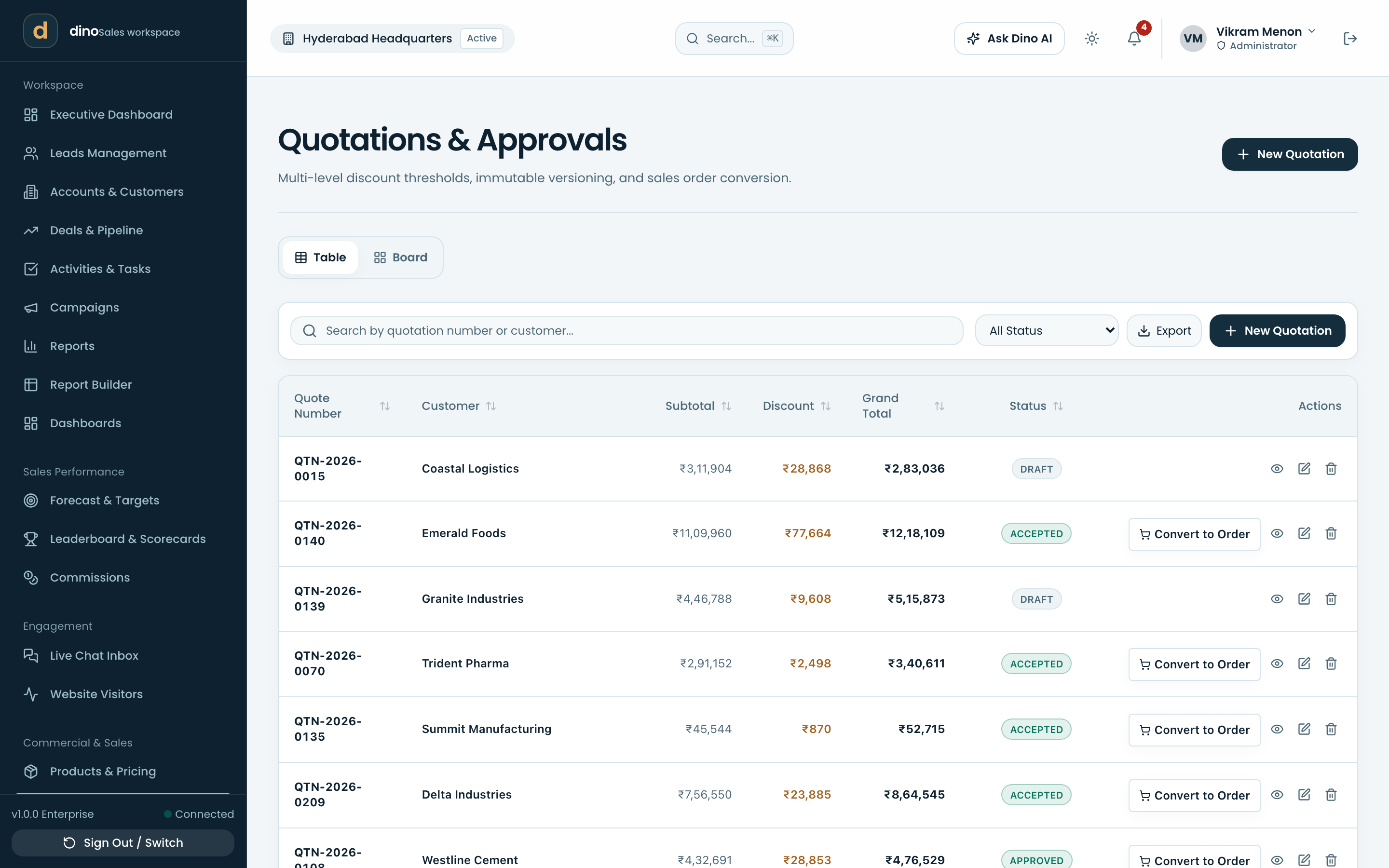
Know what is owed, and for how long.
Invoices, part payments and aging buckets stay attached to the customer relationship that produced them.
- Invoices & agingAging from current due to 90+ days, with payments recorded against the invoice.
- Recurring & AMCSubscription and annual-maintenance billing that raises the next invoice on time.
- Company profile & taxCurrency, locale and tax regime configured once for every document.
- e-InvoicingIRN entry, manual or through a GSP, for the regimes that require it.
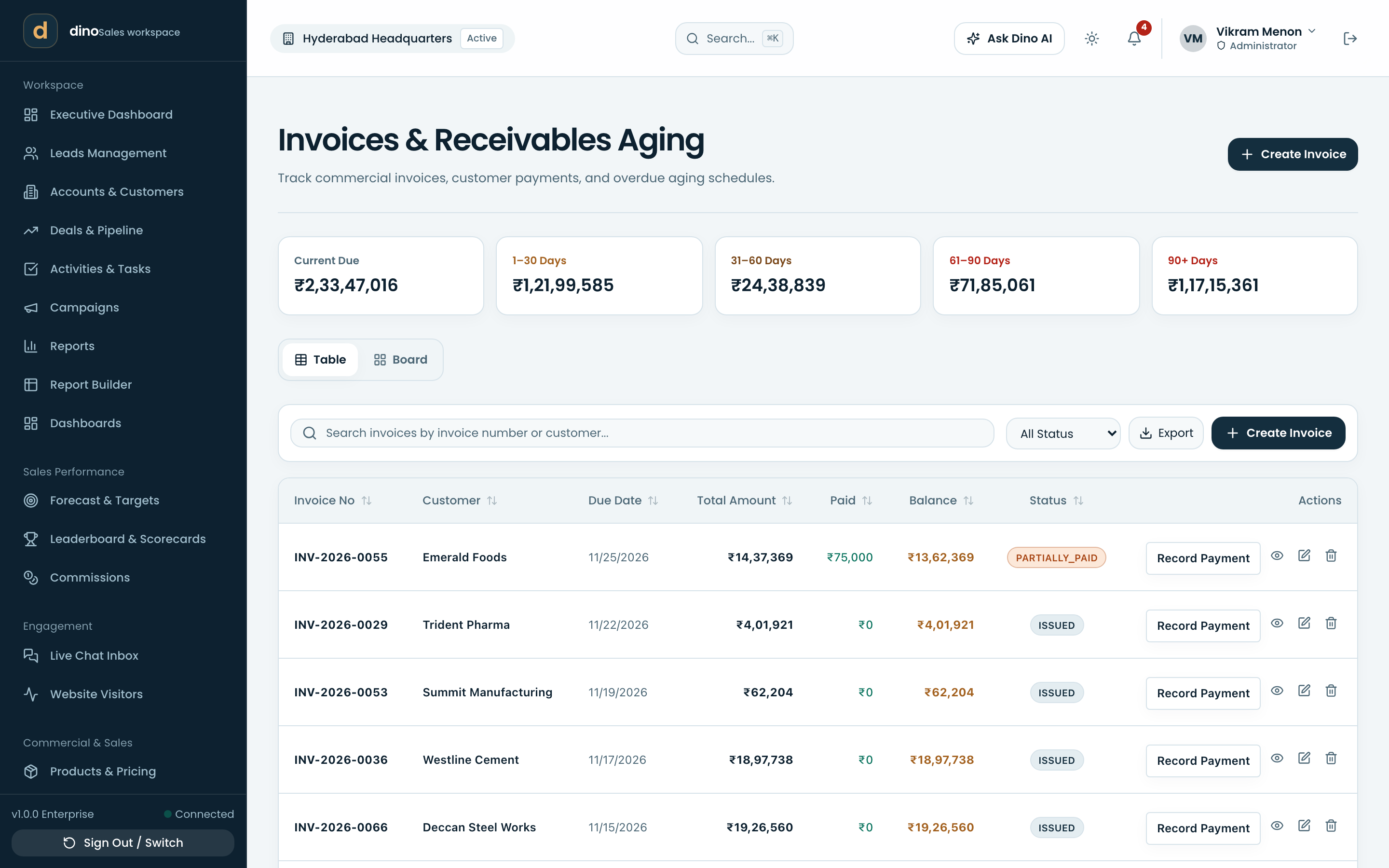
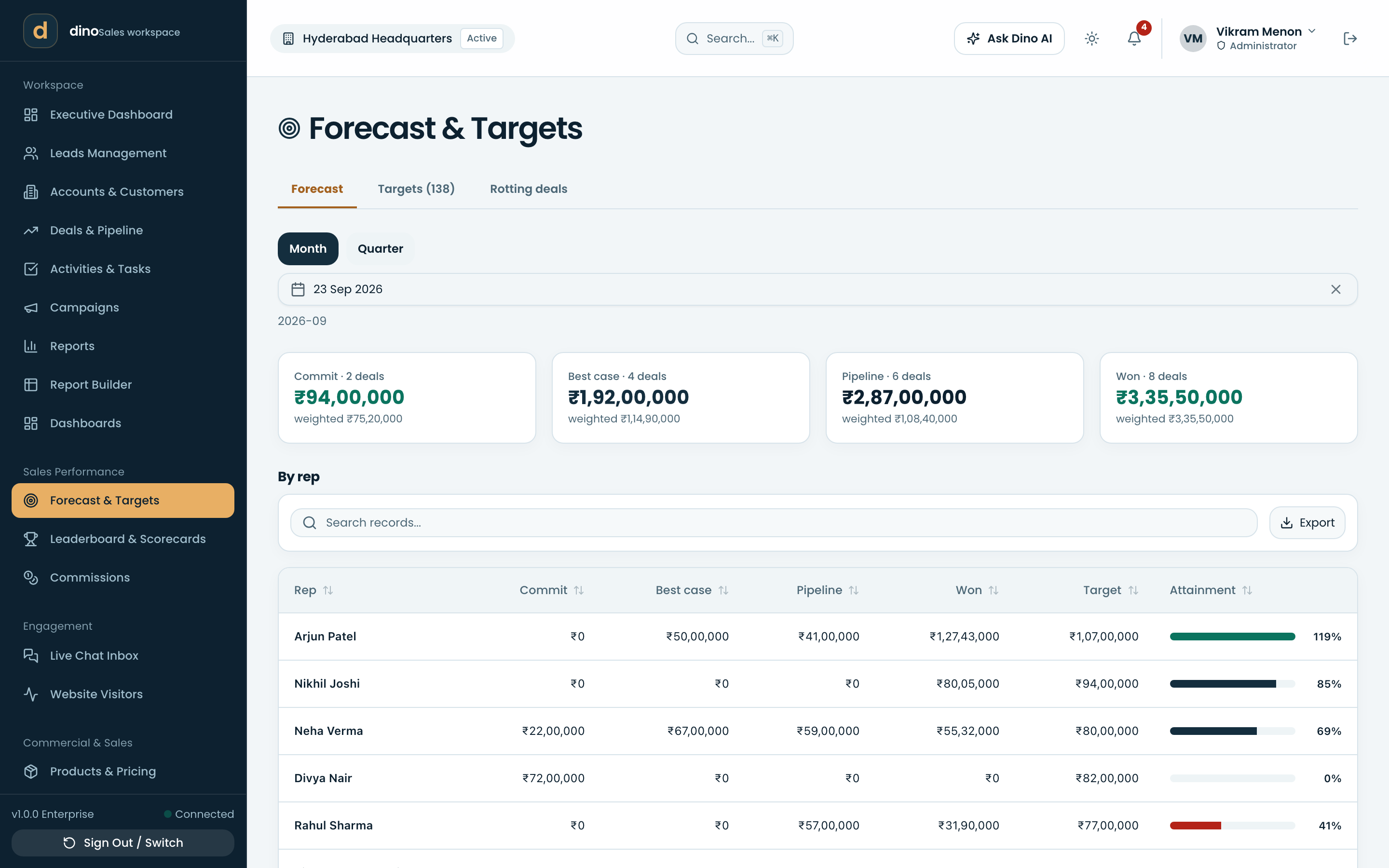
The number, and who is carrying it.
Commit, best case and closed by rep, against the targets you set — visible to the team, not just the manager.
- Forecast & targetsCommit and best-case roll-ups by period, weighted against quota.
- Leaderboard & scorecardsAttainment per rep, so coaching starts from the same numbers.
- CommissionsCommission calculated from closed business on your own plan rules.
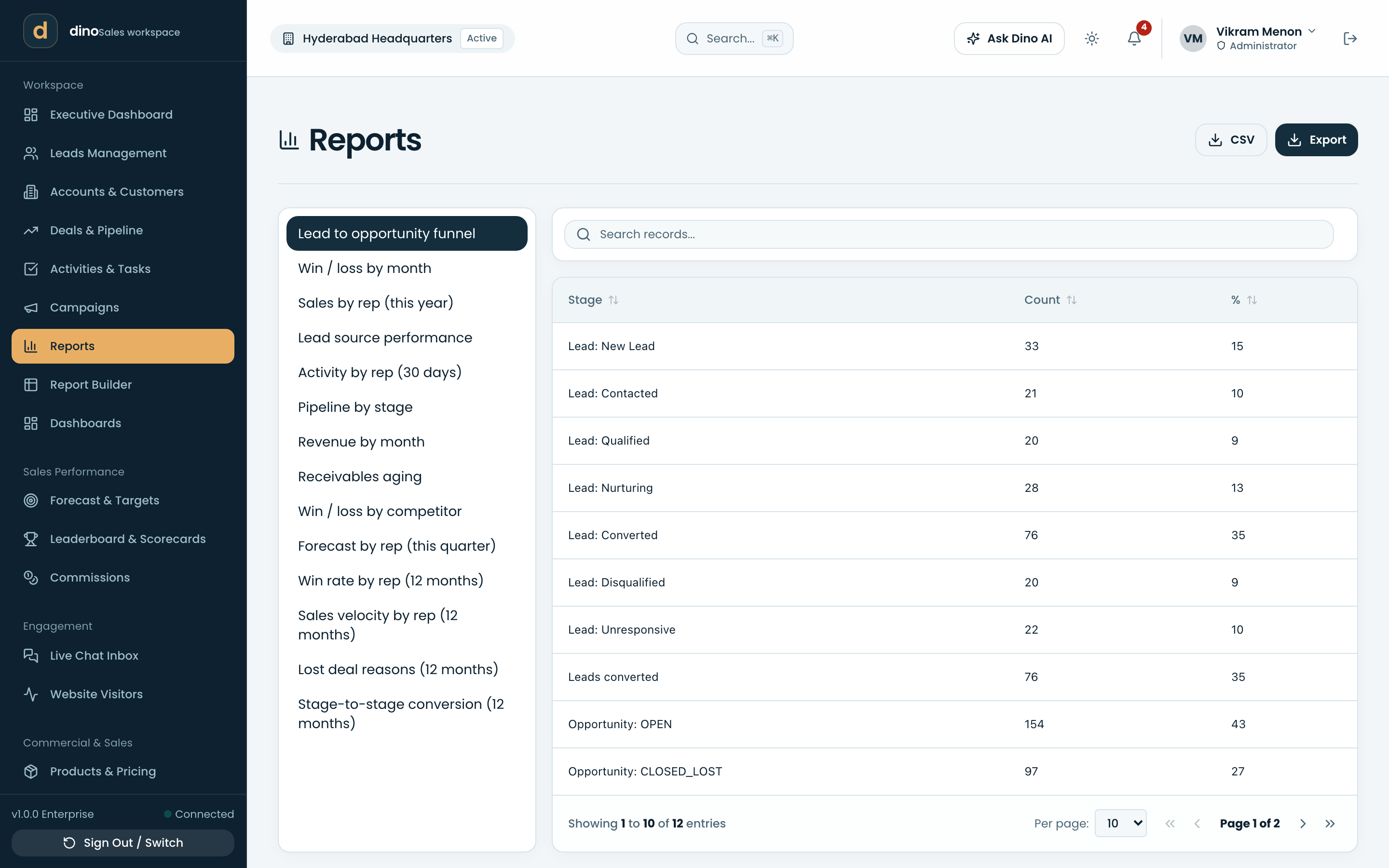
Answer the question yourself.
Prebuilt reports for the usual asks, and a builder for the one nobody anticipated.
- ReportsThe standard sales, pipeline and receivables reports, ready to run.
- Report builderPick the fields, filters and grouping, save it, share it.
- DashboardsYour own tiles and charts assembled into a dashboard per team.
- Data import & exportBring records in from a spreadsheet, take any view back out.
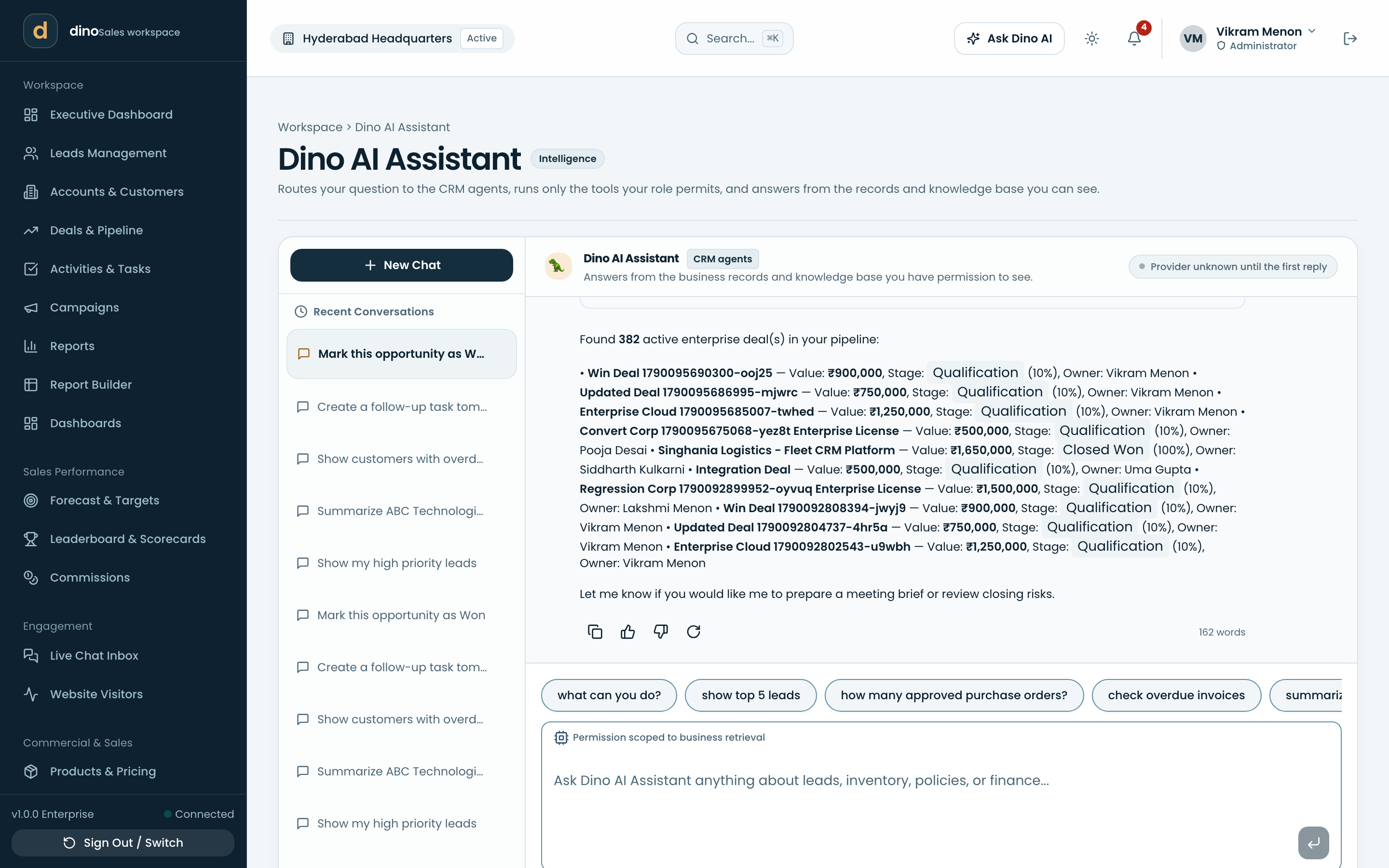
An assistant that can see the record.
Ask in plain language and get an answer grounded in your data and your knowledge base — with the cost of every call on the record.
- Dino AI assistantAsk about a record or the whole pipeline, in a full chat or beside the record you are reading.
- Knowledge baseYour documents indexed for semantic search, so answers cite what your company actually wrote.
- AI providers & engineBring your own OpenAI, Anthropic, Google or OpenRouter key; it is encrypted at rest.
- AI usage & telemetryPer-user and per-day spend with hard ceilings you set.
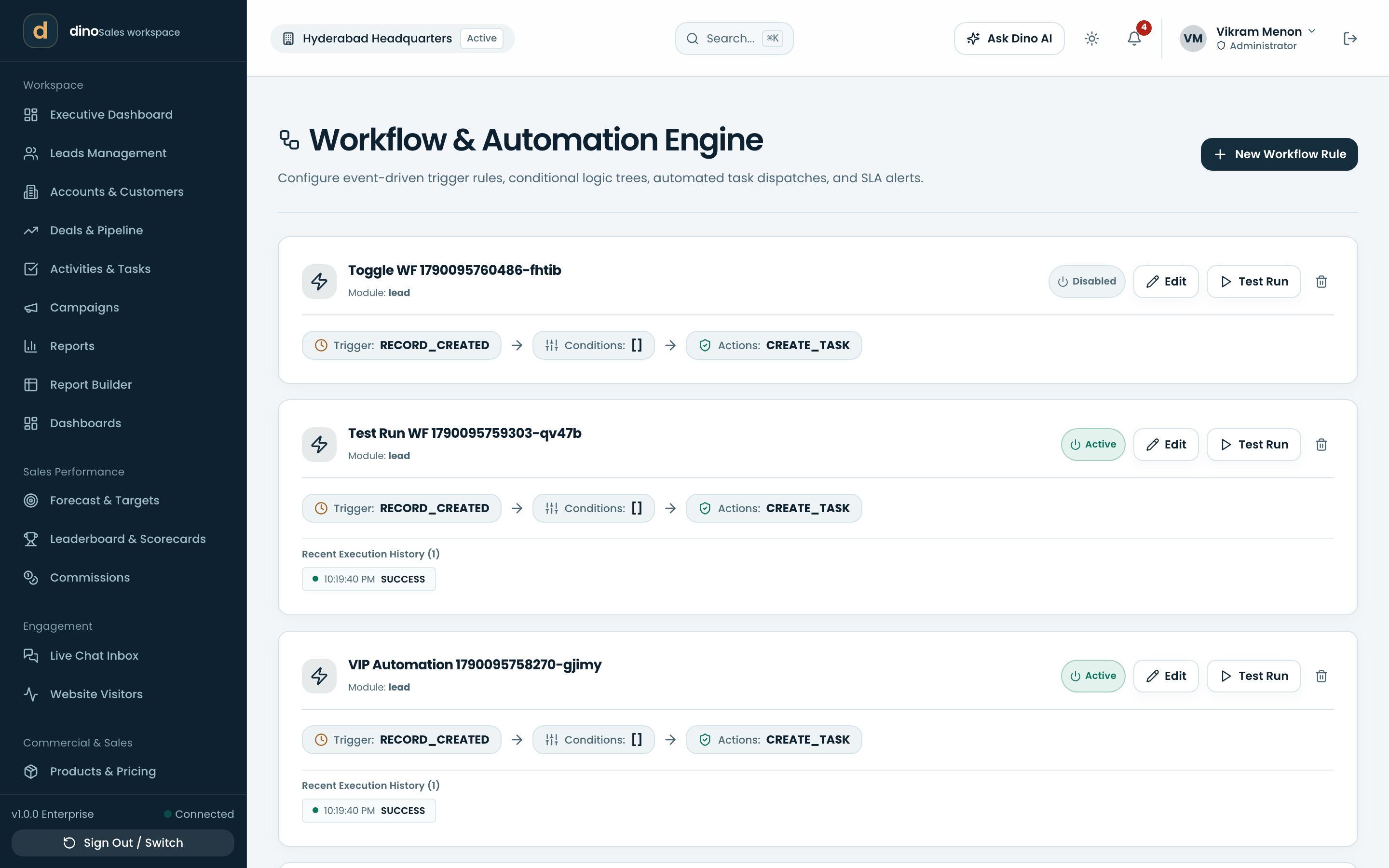
The rules your process already has.
Write the handoffs and approvals down once, and let the workspace enforce them instead of a reminder culture.
- Workflows & triggersRun actions when a record changes: assign, notify, update, escalate.
- ApprovalsRoute a discount or a document to the person whose sign-off it needs.
- Custom fields & formsAdd the fields your industry needs, and public forms that write straight into the CRM.
- Outbound webhooksPush events to the rest of your stack, signed and retried.
The deal is just the beginning.
Onboarding, support, assets and renewals stay on the same customer record the deal was won on.
- Customer onboardingOnboarding plans with the steps each new customer has to clear.
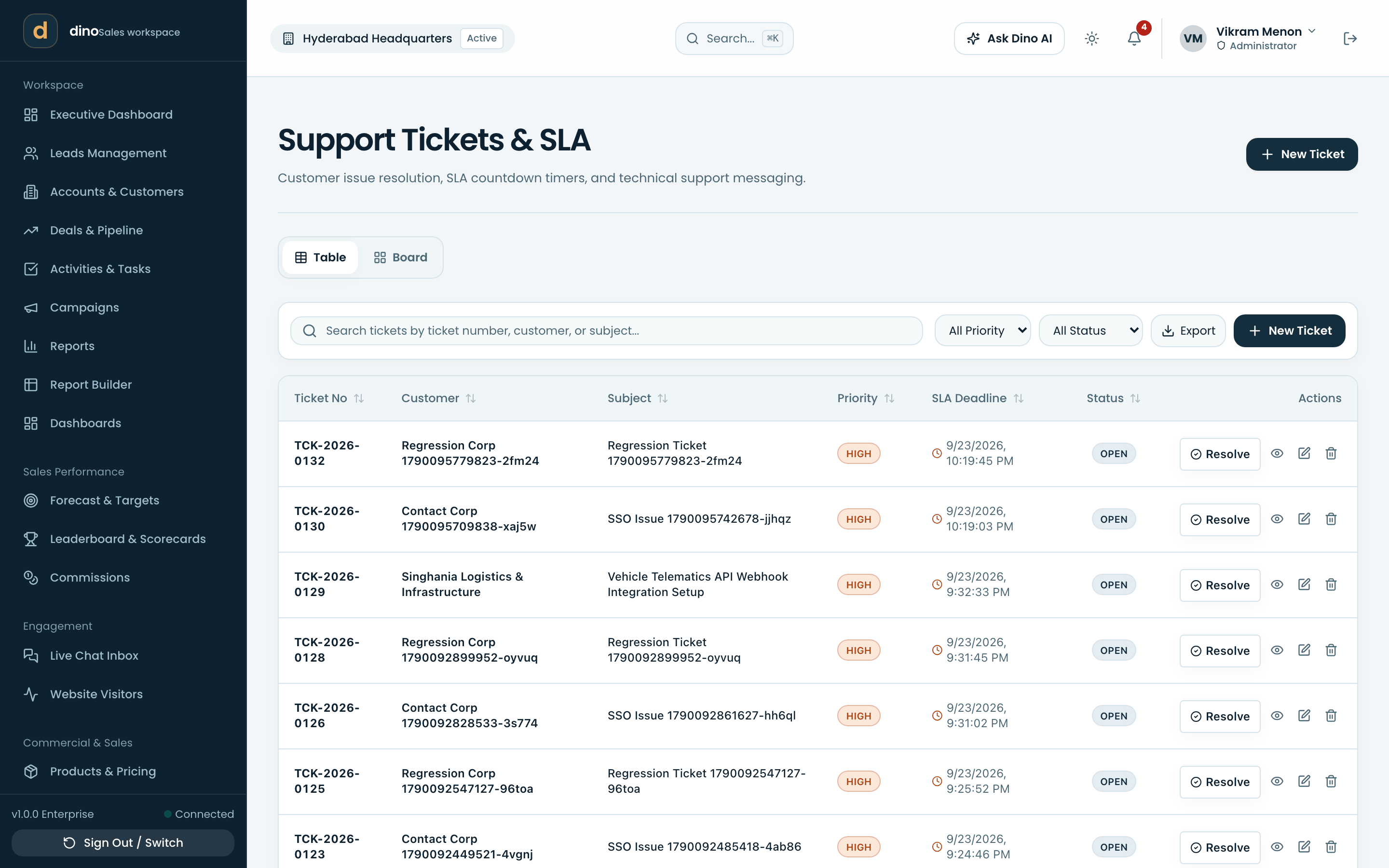
- Support tickets & SLAQueues, priorities and SLA clocks, with the customer's history in reach.
- Assets & renewalsWhat the customer owns and when it comes up for renewal.
- Service visitsSchedule field visits and keep the report against the asset.
- Customer feedbackCollect and read feedback where the rest of the relationship lives.
Who can see what, on the record.
Record-level scoping, sharing rules and an audit trail — the controls a team of any size eventually needs.
- Users & accessInvite people, set their scope, deactivate them without losing their history.
- Roles & permissionsGranular permissions per role, from organization-wide down to own records.
- Organization structureBranches, departments and reporting lines that data visibility follows.
- Security & 2FATOTP two-factor, session revocation, and a policy that can require it.
- Single sign-onGoogle or Microsoft SSO for the teams that need it.
- Audit logsWho changed what, when, and what the value was before.
- Recycle binDeleted records are recoverable, not gone.
- Countries & sales intelligenceGeography data for territories, plus enrichment and verification integrations.